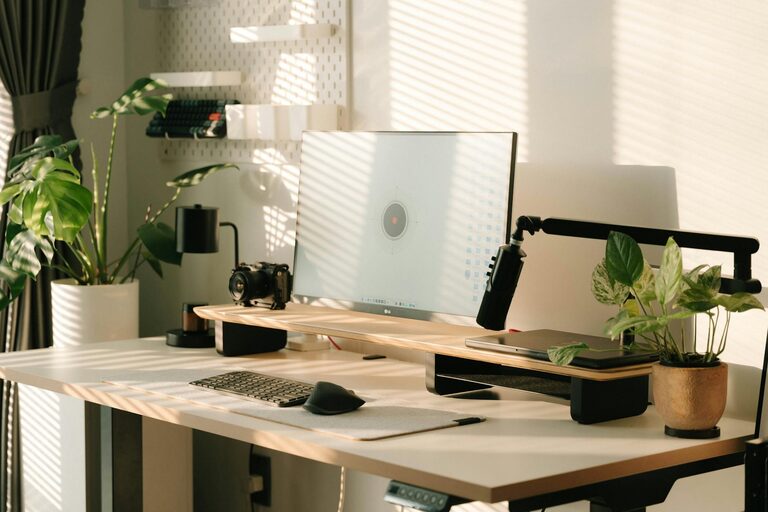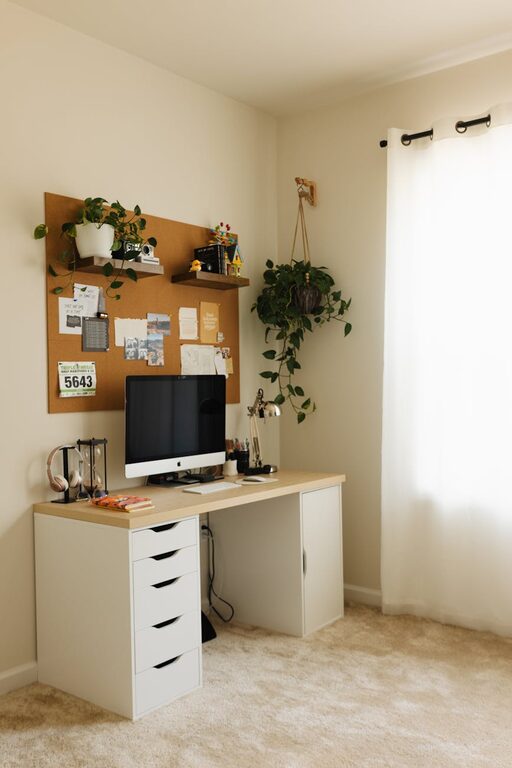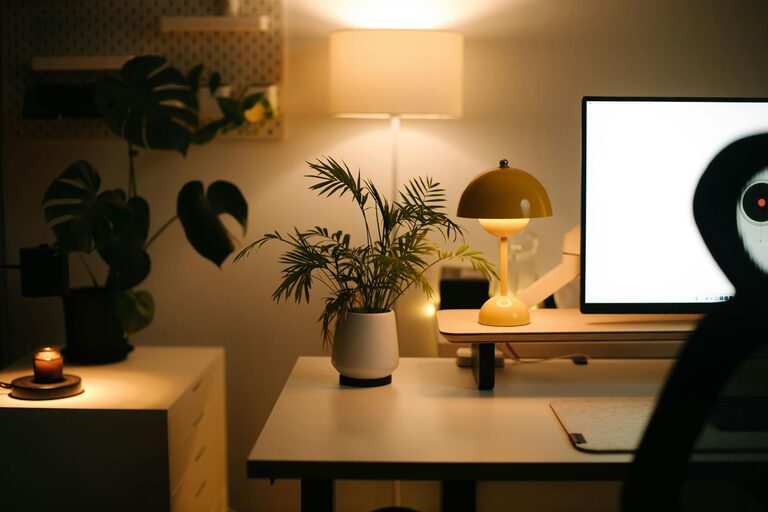
Creating a home office that is both cozy and functional can make a significant difference in your daily work routine. A well-designed workspace not only boosts productivity but also promotes comfort and minimizes distractions. Whether you have a dedicated room or just a small corner, these tips will help you set up a home office that feels welcoming and supports your work needs.
Choosing the Right Space
Finding the best spot for your home office is the first step. Ideally, select a quiet area with minimal foot traffic to reduce interruptions. If possible, choose a room with natural light, as it helps improve mood and focus.
Consider these factors when picking your office space:
– Lighting: Natural light is best. Position your desk near a window without harsh glare on your screen.
– Noise level: A quieter room helps with concentration.
– Accessibility: Make sure your office is easy to access, especially if you move between rooms during breaks.
– Space availability: Ensure there’s enough room for your desk, chair, and storage.
Furnishing for Comfort and Efficiency
The furniture you choose plays a crucial role in how comfortable and productive your home office feels.
Desk and Chair
– Invest in an ergonomic chair to support good posture and prevent back pain.
– Choose a desk with enough surface area for your computer, notebooks, and any other tools.
– Adjustable desks can be a good option, allowing you to alternate between sitting and standing.
Storage Solutions
– Use shelves, filing cabinets, or storage bins to keep your workspace organized.
– Vertical storage helps save floor space while keeping necessary items within reach.
– Consider decorative baskets or boxes to reduce visual clutter.
Lighting the Space Properly
Proper lighting reduces eye strain and enhances your workspace ambiance.
– Combine natural light with task lighting, such as a desk lamp or adjustable floor lamp.
– Choose bulbs with a warm light to create a cozy atmosphere while maintaining brightness.
– Avoid harsh overhead lights or glare on your computer screen.
Personalizing Your Office
Adding personal touches can make your office feel inviting and motivate you to spend time there.
– Decorate with artwork, photos, or plants that inspire you.
– Use colors that you find calming or energizing, depending on your preference.
– Incorporate textiles like a soft rug or cushions to add warmth.
Organizing for Productivity
A clutter-free space can help keep your mind clear.
Tips for staying organized:
– Keep daily essentials within arm’s reach.
– Use cable organizers to prevent tangling and mess.
– Regularly declutter your desk to maintain focus.
– Set up a filing system for papers and digital files.
Incorporating Technology Thoughtfully
Having the right technology setup improves efficiency.
– Choose a reliable computer and necessary accessories such as a keyboard, mouse, and monitor.
– Arrange your devices and cables neatly to avoid distractions.
– Use noise-cancelling headphones if your environment is noisy.
Maintaining Work-Life Balance
Your home office should help you separate work from relaxation.
– Limit work items to your office area and avoid working in spaces linked to rest, like the bed or couch.
– Set boundaries by establishing office hours.
– Take regular breaks and step away from your desk to refresh.
Taking Care of Air Quality and Comfort
Good air circulation and temperature control contribute to comfort.
– Keep a window nearby that can be opened for fresh air.
– Use an air purifier or humidifier if necessary.
– Maintain a comfortable room temperature with a fan or heater.
Final Thoughts
Setting up a cozy and functional home office is about balancing comfort and practicality. Start by choosing the right space and furnishing it with ergonomics and organization in mind. Add personal touches and thoughtful lighting to create an inviting environment. With these tips, you can design a workspace that supports focus, creativity, and well-being, helping you enjoy working from home.
About the Author