Creating a home workspace that supports productivity and comfort is essential for anyone working remotely or spending significant time on personal projects. A well-designed workspace not only enhances your ability to focus but also contributes to your overall well-being throughout the workday. Below, you’ll find practical tips to help you create an environment that encourages efficiency and comfort.
Choose the Right Location
Find a Dedicated Spot
Select a specific area in your home solely for work. This separation helps signal your brain when it’s time to focus and minimizes distractions.
Consider Natural Light
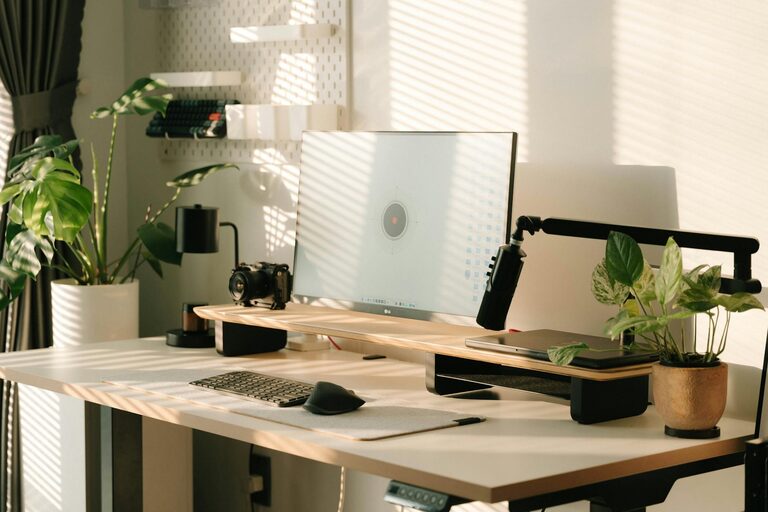
Place your desk near a window if possible. Natural light improves mood and alertness, making it easier to stay on task.
Avoid High-Traffic Areas
To maintain focus, avoid spaces where household activity is high, such as kitchens or living rooms during busy times.
Invest in Comfortable and Functional Furniture
Select an Ergonomic Chair
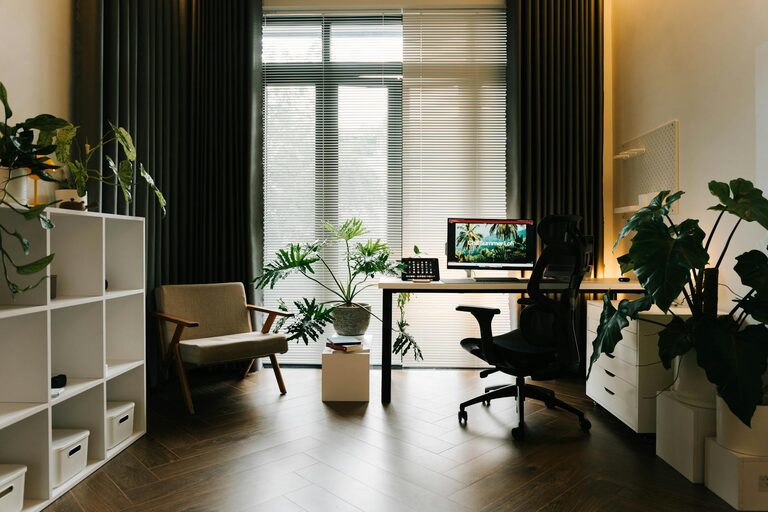
Choose a chair that supports your posture, especially your lower back. This helps reduce discomfort and fatigue during long hours.
Opt for a Suitable Desk
Make sure your desk height allows you to work comfortably without straining your wrists or shoulders. Adjustable desks or those that accommodate standing can be a bonus.
Keep Essentials Within Reach
Arrange your workspace so that frequently used items are easy to access without cluttering your desk.
Organize Your Workspace
Declutter Regularly
A tidy workspace reduces distractions. Keep only what you need on your desk and store everything else neatly.
Use Storage Solutions
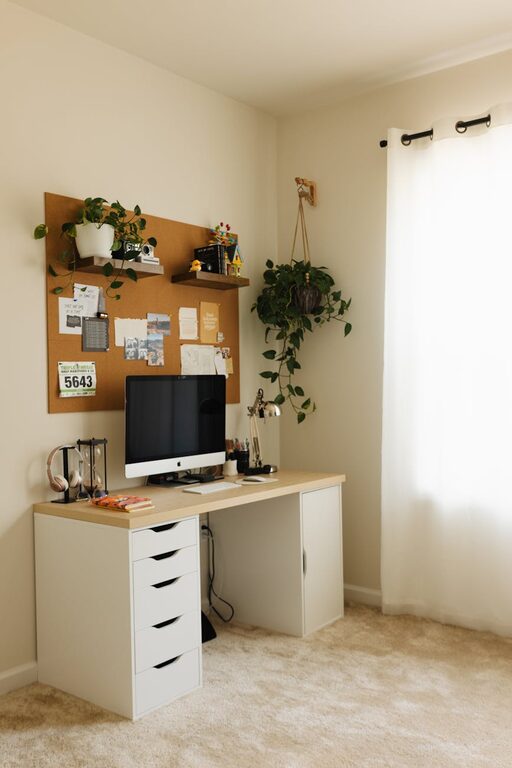
Drawers, shelves, and organizers can help keep supplies and documents in order, making your space more inviting and efficient.
Cable Management
Manage cables and cords to prevent tangles and maintain a clean look. Velcro straps or cable organizers are inexpensive and effective.
Design for Focus and Comfort
Control Lighting
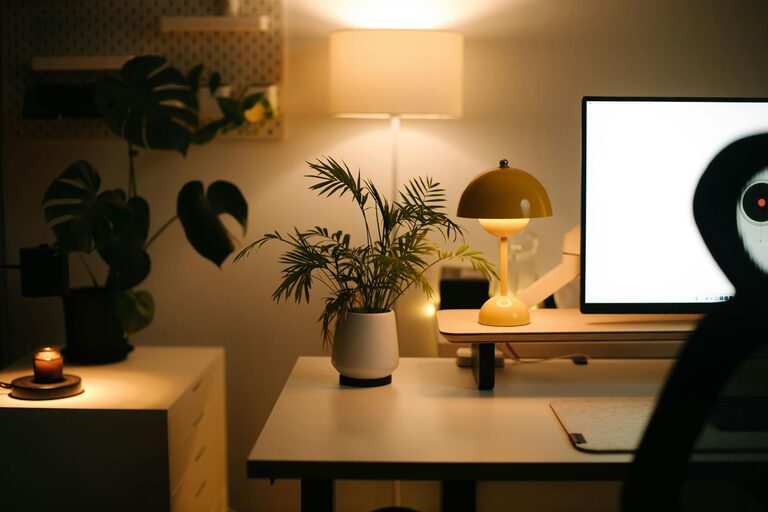
Supple lighting is key. Combine ambient lighting with task lighting to reduce eye strain and maintain energy levels.
Add Personal Touches
Include a few items that inspire you, such as a plant, artwork, or photos. These elements can make your workspace more enjoyable without becoming distracting.
Maintain Comfortable Temperature
Ensure your workspace is neither too hot nor too cold. Temperature extremes can affect concentration and comfort.
Minimize Distractions
Use Noise-Cancelling Headphones
If your home is noisy, headphones can block out distractions and help you concentrate.
Set Boundaries
Communicate work hours to family or roommates and create signals to let them know when you shouldn’t be disturbed.
Limit Digital Interruptions
Turn off non-essential notifications and consider apps that block distracting websites during work time.
Establish a Routine
Schedule Breaks
Taking short, regular breaks boosts productivity and reduces burnout. Stand up, stretch, or take a quick walk to refresh your mind.
Start and End Work Consistently
Having clear start and finish times helps your brain switch between work and leisure effectively.
Maintain Good Habits
Stay hydrated, eat well, and get enough sleep to support focus and energy during work sessions.
Technology and Connectivity
Reliable Internet
Ensure your internet connection is stable and fast enough for your work requirements.
Use Quality Equipment
Invest in a good monitor, keyboard, and mouse to reduce strain and improve efficiency.
Backup Your Work
Use cloud services or external drives to keep your work safe and easy to access.
—
By focusing on these tips, you can create a home workspace that fosters focus and comfort, making your remote work or personal projects more productive and enjoyable. Remember, the best workspace is one that fits your unique needs while providing a pleasant atmosphere to work in daily.
About the Author